
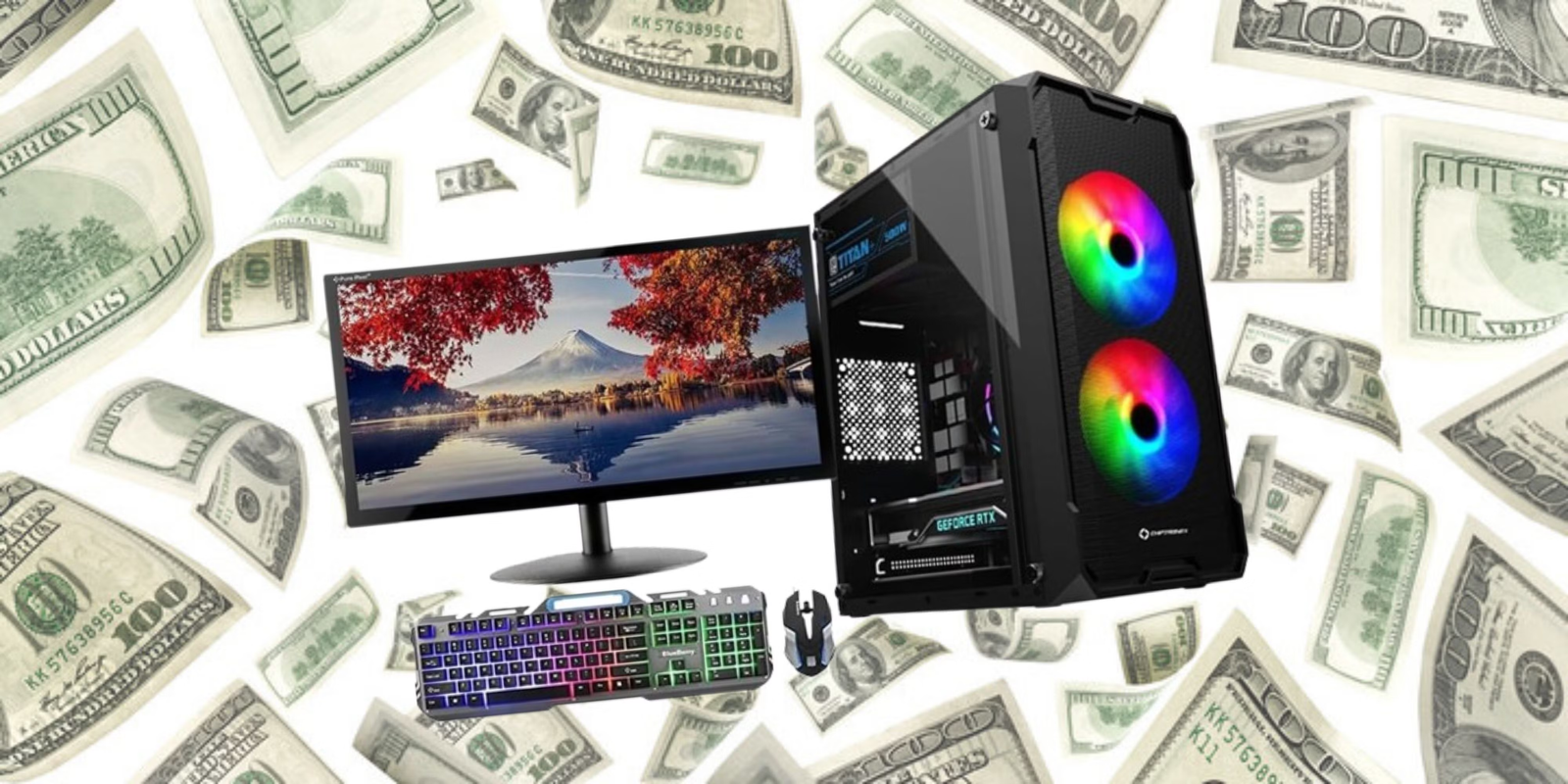
Gaming has never offered more choice, and that makes the first purchase confusing. Consoles, gaming PCs, handhelds and phones all promise great experiences, and prices range from affordable to extreme. The good news is that you do not need the most expensive hardware to have fun. This guide helps you choose a budget gaming setup that fits the games you want to play and the money you want to spend.
Start with the games you want to play
Hardware should follow the games, not the other way round. Make a list of the titles you most want to play and check which platforms support them. Some games are exclusive to one console, others run on several platforms, and many popular online games are free and run on modest computers or phones. Knowing your favourites prevents you from buying a system that cannot run them.
Console, PC, handheld or mobile?
Consoles
Consoles are simple and predictable. You plug them in, install games and play, and every owner has the same hardware. They are a good choice for living-room gaming and for players who do not want to tweak settings. Remember to include the cost of games, extra controllers and any online subscription.
Gaming PCs
A PC offers the widest game library and the most freedom, but it costs more to build and needs some setup. Buying a prebuilt budget system or upgrading an existing computer can be cheaper than building from scratch. A PC is also useful for study and work, which improves value.
Handhelds
Portable systems let you play anywhere and are great for people who travel or share a TV. Battery life and the size of the game library are the main points to check.
Mobile gaming
A recent smartphone can run many excellent games at no extra hardware cost. Add a controller or a cooling accessory if you play for long sessions. Our guide to backing up your data also helps you keep your game progress safe.
Key parts that matter on a budget PC
- Graphics card. This has the biggest effect on visuals and frame rates, so it deserves the largest share of your budget.
- Processor. A modern mid-range processor is enough for most games.
- Memory. Sixteen gigabytes is a comfortable target for current titles.
- Storage. A solid-state drive makes loading much faster than a traditional hard drive.
- Power supply and cooling. Do not cheap out on safety, because a poor power supply can damage other parts.
Accessories that are worth buying
- A comfortable controller or mouse and keyboard. You touch these all the time, so quality matters.
- A good headset. Clear sound helps in team games and costs less than a new graphics card.
- A suitable monitor. A modest screen with a good refresh rate improves the experience more than people expect.
- A stable internet connection. Wired connections reduce lag in online games.
Ways to save money
- Compare prices across stores and wait for seasonal sales.
- Consider refurbished consoles or graphics cards from sellers with a warranty.
- Buy used games and digital deals carefully, and avoid unknown sellers.
- Share a subscription with family where the terms allow it.
- Use free-to-play titles and library services to test your taste before paying.
Staying safe while gaming
Gaming accounts are valuable targets. Use a unique password and two-step verification, as explained in our online account security guide. Be careful with free-currency offers, modified game files and unknown download links, because they are common ways to spread malware.
Frequently asked questions
How much should I spend on my first gaming setup?
Set a total that includes games and accessories, not only the main device. Many people enjoy gaming on a modest budget by choosing the right platform.
Is a PC better than a console?
Neither is better for everyone. Consoles are simpler and cheaper to start with, while PCs are more flexible and can also be used for work.
Do I need an expensive monitor?
No. A solid mid-range screen is enough for most players, and you can upgrade later.
Final thoughts
The best gaming setup is the one that runs the games you love within a budget you are comfortable with. Decide on your games, choose a platform, spend wisely on key parts and add accessories over time. Find more guides in our Gaming section, and learn how to keep your devices safe in our security guide.